MediaMate 3.8.4
MediaMate provides fresh visuals for the Volume, Display and Keyboard Brightness HUD and introduces a new Now Playing HUD!
Features
- A Now Playing HUD which shows the current playing media, and provides quick controls such as play/pause and scrubbing. It can be shown “inside” the notch, or in a separate bubble.
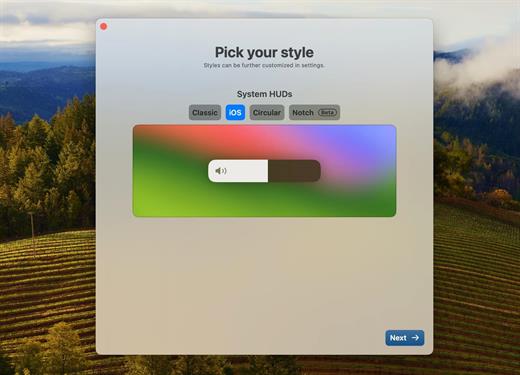
- An audio, brightness and keyboard brightness HUD which replace the native HUDs.
- iOS-styled theme and the classic theme.
- Audio output icons to quickly see the output device in the audio HUD.
- Shortcuts to control keyboard brightness
- Focus Filters: hide HUDs when a focus mode is enabled
- Lots of settings to customise the app to your needs
- Touchbar & Non-touchbar macs are supported
- Extended display brightness support with Lunar
- Now Playing works with most apps, including Apple Music, Spotify, Chrome, …
Note:
If the error “Cannot open the program” appears, enter in the terminal
Ignore “Enter License” text and “Enable Demo Mode” button, all features unlocked.
Version 3.8.4:
- Release notes were unavailable when this listing was updated.
macOS 13 or later
Release Name: MediaMate 3.8.4
Size: 8.1 MB
Links: HOMEPAGE – NFO – Torrent Search
Download: RAPiDGATOR